turning a gap into growth
When I joined the team, Stage TEN lacked a native way for Shopify sellers and creators to schedule live shows, leaving a clear gap in a browser-based platform meant to help them plan upcoming livestreams and set expectations for their audiences.
I worked closely with a PM, engineers, marketing, sales, and support, using stakeholder interviews, internal user interviews, and competitive research to address a single pain point: sellers had no low-friction way to lock a show time early and trigger preparation and promotion. By the end of the project, from a missing baseline capability, it became a dashboard-first scheduling foundation, enabling team alignment on future discovery work and driving a 68% increase in scheduled shows within four weeks.
01
turning scheduling into a lightweight, repeatable workflow
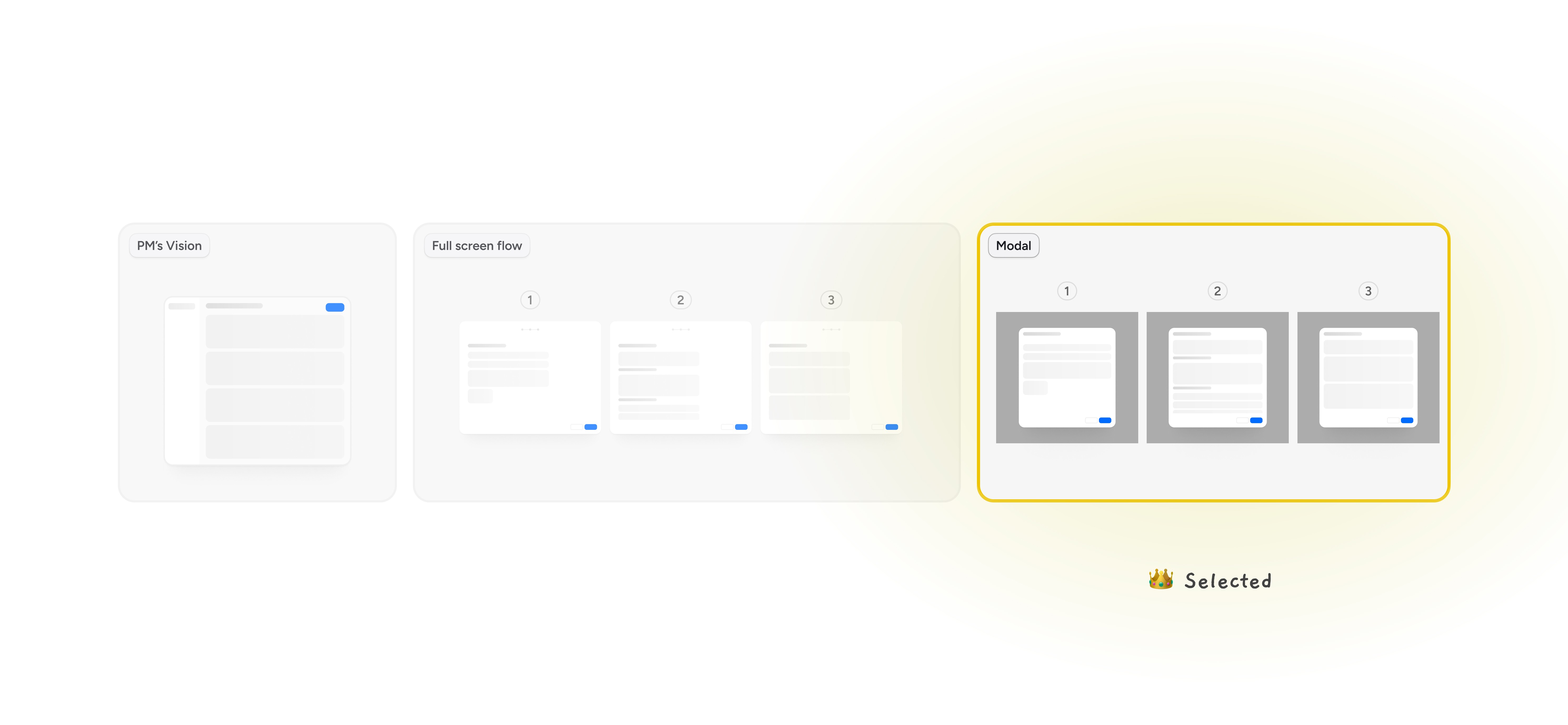
We introduced a lightweight, dashboard-first scheduling flow that lets sellers lock in a show time in minutes.
Instead of forcing a full setup upfront, the flow focuses on the two essentials — show details and destination — and allows sellers to save and return anytime. By reusing existing modal patterns, we reduced engineering risk while keeping the experience consistent across Studio and Dashboard. This turned scheduling from a missing feature into a repeatable habit, helping sellers commit earlier and prepare with intention instead of going live reactively.
02
making scheduled shows visible and actionable
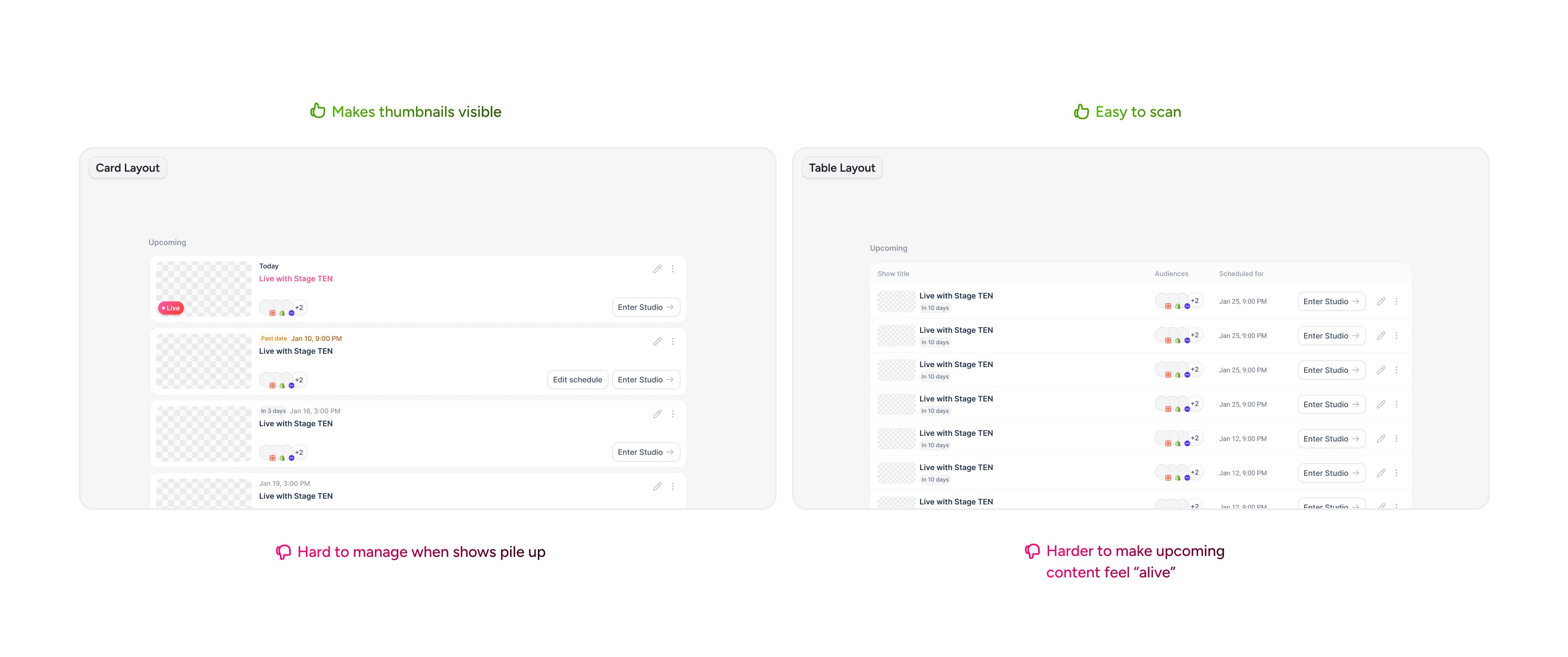
We introduced a dedicated space on the dashboard for scheduled and live shows, giving sellers a single source of truth for planning and execution. Live shows are clearly surfaced, upcoming shows are easy to scan, and each show’s status is immediately visible. This transformed the dashboard from a static overview into an active planning hub, reinforcing consistency and making live scheduling part of sellers’ regular workflow.
03
make upcoming shows discoverable
We made scheduled shows visible on storefronts and introduced a lightweight calendar reminder. By giving viewers a clear time and a simple way to commit, we transformed scheduling from a seller-side feature into a shared contract between seller and audience.
/PROJECT HIGHLIGHT
the cost of cutting reminders — and Why We Didn’t
Led end-to-end product redesign across audit, problem reframing, UX strategy, content-first architecture, engineering handoff, and launch validation.
DURATION
5 WEEKS
TEAM
2 Developers, 1 Product Manager
TOOLS
Figma, FigJam
01
Kickoff meeting
PRD review
Alignment meeting
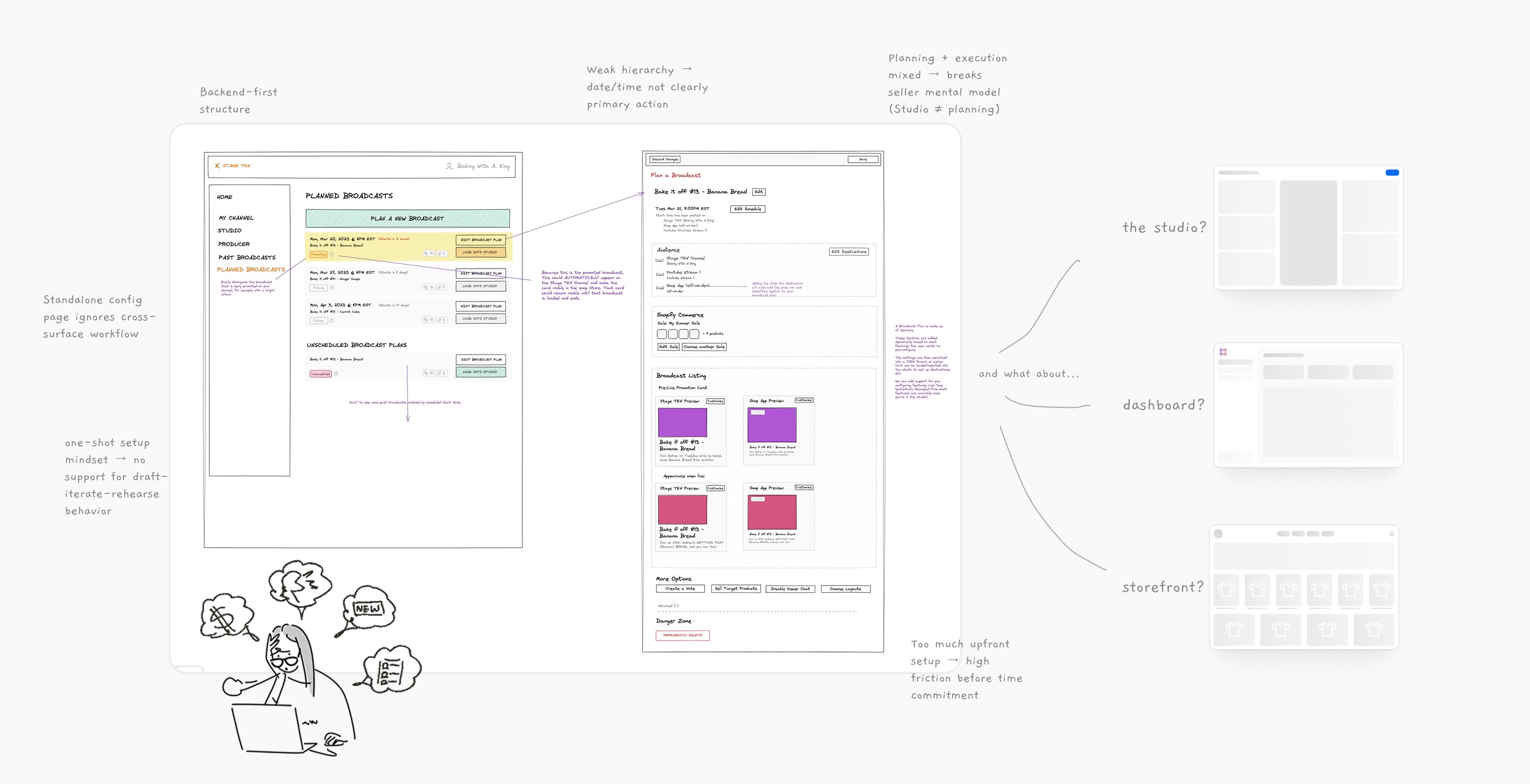
When this project started, I joined kickoff and learned scheduling was a high-priority gap, with a three-week appetite and constraints around existing architecture and components. I reviewed the PRD and the PM’s Excalidraw “ideal flow,” then surfaced open questions—like where scheduling should start—so we could validate assumptions before I redesigned anything.That shifted the team from “just add a date” to a concrete set of MVP dependencies across Dashboard, Studio, and storefront. Through this process, I learned that under time pressure, my first job is to make constraints and unknowns discussable.
02
Stakeholder interviews
Internal user interviews
Competitive research
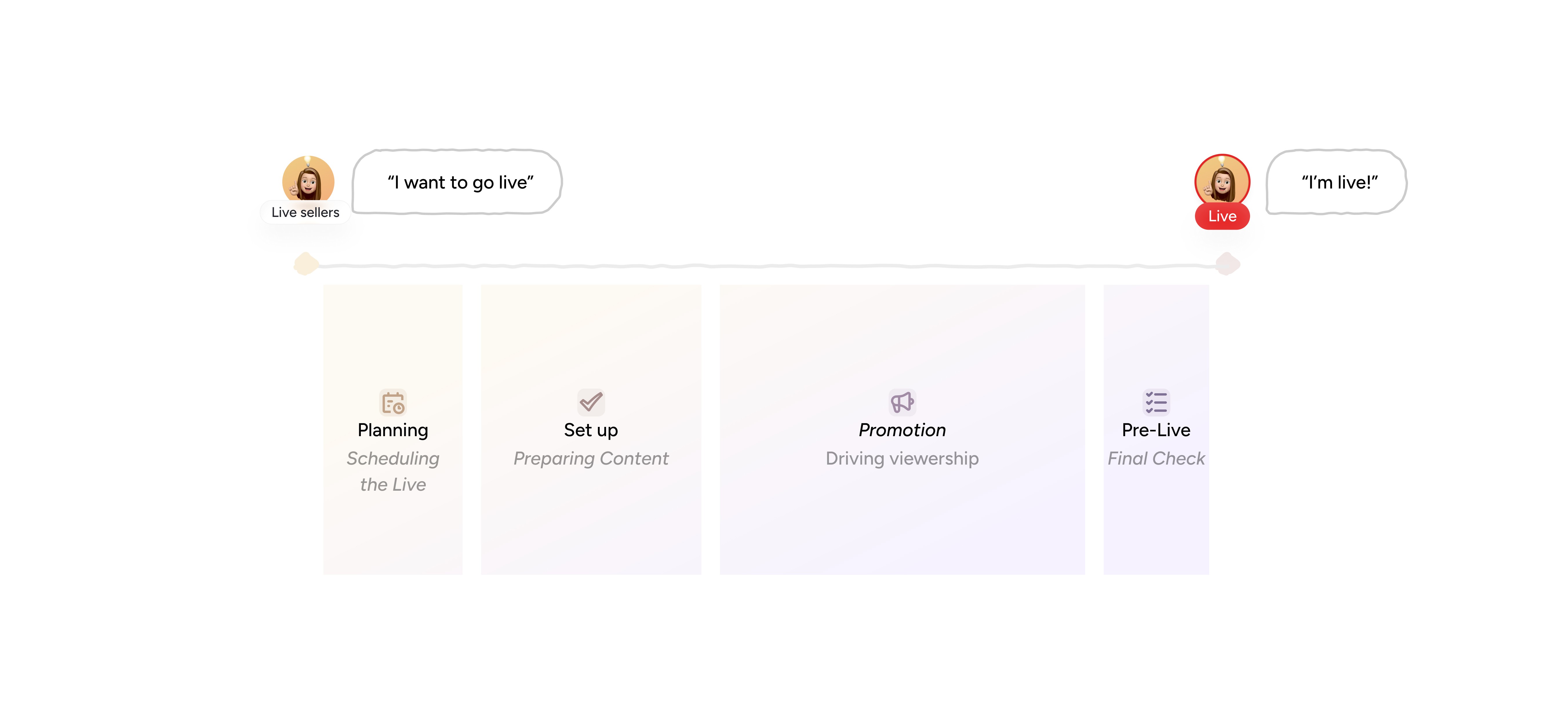
As discovery progressed, I interviewed marketing/sales, reviewed support ticket patterns, and spoke with internal streamers to understand how sellers actually prepare for live shows. I used those inputs—and competitive research on progressive disclosure and dashboard entry points—to test whether scheduling was “setup” or a lightweight commitment moment. We reframed the problem with the PM: sellers needed to lock time early, avoid heavy upfront requirements, and keep Studio as an execution workspace. I learned that clarity often comes from naming what not to build—especially when user mental models conflict with an initial “ideal flow.”
03
Design workshop & review
Pushback
Usability testing
Once we entered design, engineering pushed back hard on adding a reminder in MVP, citing complexity and compliance differences across SMS, email, and calendar approaches. I argued that reminder was core to scheduling value for viewers, then shifted the debate from “do we cut it” to “what’s the lightest viable form.”We aligned on an ICS calendar reminder as the best balance: real reminders without storing personal data. I learned I can stand my ground on experience value while still partnering with engineering to reduce risk.